



















The short answer
Choose an AirTag case by model fit, attachment, and access for battery care. For keys, consider the complete case-and-ring arrangement. For luggage, consider an accessible inside pocket. Treat water-resistance claims as something to check against documented conditions, not a promise of protection in every situation.
Your everyday keys and your weekend suitcase ask different things of the same small accessory.
One comes in and out of a pocket throughout the day. The other may stay packed until you arrive. An AirTag case should suit that difference rather than simply look good beside the tracker.
Our Durable AirTag Case comes as a set of four silicone cases with four metal keychains. AirTags are sold separately. Start with the tracker you own and where it will live, then choose the arrangement and colors that make sense for your belongings.
For the wider travel setup, visit our Travel & Auto essentials guide. Here, we’ll keep the focus on choosing a case for your keys and luggage.
Start With Your AirTag Model
Check the exact generation before choosing a case. The Durable AirTag Case listing states compatibility with Apple AirTag 1st and 2nd generation.
That is the relevant fit claim—not a general promise that the case will suit every tracker or every future AirTag. If you are buying a tracker at the same time, check its device and software requirements separately. Physical case compatibility and phone compatibility are different questions.
Next, consider the complete accessory. The dimensions of a bare AirTag do not tell you the outside dimensions of a case, its attachment loop, or the metal ring beside it. If you have a narrow key pouch or a small luggage pocket in mind, confirm the assembled measurements before buying.
When fitting the case, follow its insertion instructions and check that the AirTag is properly seated. Do not force an unsuitable fit or improvise a closure. If the fit is unclear, resolve that before attaching the case to something you carry.
Keys and Luggage Need Different Arrangements
For keys, evaluate the attachment. For luggage, evaluate the pocket as well as the case. The same accessory can serve both uses without being positioned in the same way.
For Keys: Consider Everything on the Ring
The product includes metal keychains for attachment through the case loop. Compare that complete arrangement with the keys, fob, and other accessories you already carry.
Check whether the extra pieces make your usual pocket awkward to use. You should be able to identify and handle the key you need without repeatedly untangling the case. Follow the attachment instructions and check the hardware before relying on the arrangement.
For Luggage: Choose an Accessible Internal Location
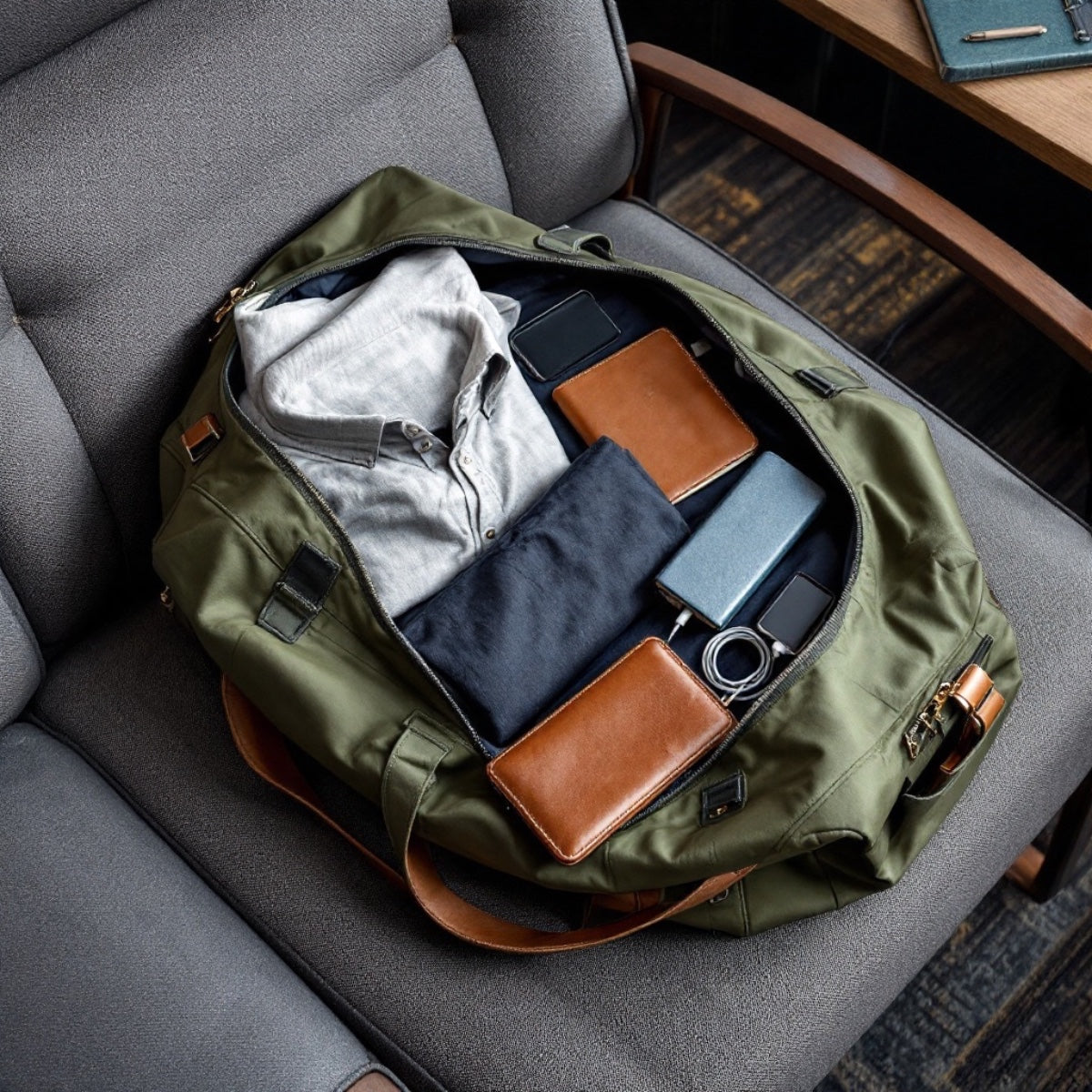
For luggage, consider placing the cased AirTag inside a pocket or liner compartment rather than on the exterior. Choose an existing, accessible compartment that closes normally around it.
Notice whether that compartment stays with the suitcase. A removable pouch may be convenient, but the tracker follows the pouch if you take it out. An internal location should also remain reachable when you need to remove the AirTag or change its battery.
| Decision | Keys | Luggage |
|---|---|---|
| Arrangement | Check the case loop and the intended metal-ring attachment. | Check an accessible inside pocket or liner compartment. |
| Space | Consider the whole keyring in your usual pocket or pouch. | Make sure the compartment closes without forcing it over the case. |
| Access | Keep ordinary key use comfortable. | Keep the tracker reachable for removal and battery care. |
| Identification | Choose a color you can distinguish from other household sets. | Choose a color that helps you recognize the case when unpacking. |
Before settling on either arrangement, check the AirTag in Find My before fitting it and again in the location you intend to use. This is a practical setup check, not proof of a particular tracking range or recovery outcome.
Read Water-Resistance Claims Carefully
A case’s advertised rating and the AirTag’s own water-resistance rating are separate claims. Neither should be expanded into a guarantee for every environment.
The Durable AirTag Case product page lists an IPX8 rating. Before relying on that claim for immersion, ask for the exact product’s documented test depth, duration, and required assembled configuration. Without those details, do not treat the label as permission to swim with or deliberately submerge the tracker.
The IEC’s explanation of water-resistance ratings emphasizes that an IP rating describes testing, rather than every condition in which a product can be used. That distinction is more useful than treating “waterproof” as an unlimited promise.
The tracker also has its own limits. For example, Apple specifies IP67 for AirTag (2nd generation), tested under controlled laboratory conditions at a maximum depth of one metre for up to 30 minutes. Apple also notes that water resistance is not permanent and may decrease with normal wear.
Scratch resistance, drop resistance, and attachment strength are separate questions again. An IP rating is not evidence of a particular drop height or a guarantee that a case cannot detach. Choose around documented features, not the broadest possible interpretation of a protection claim.
Leave Room for Battery Access and Cleaning
The case should suit the moments when the AirTag needs to come out, not just the moment you put it in. Check the removal method before choosing an enclosure you expect to use regularly.
For battery replacement, you need access to the AirTag itself. Follow Apple’s battery-replacement instructions rather than trying to work around a case that is still in the way. If the case’s removal procedure is unclear, ask for instructions before forcing it.
Keep the AirTag, its battery cover, and the battery away from small children. Apple warns that these items can present a choking hazard or cause other injury.
Cleaning is a separate task. Love Dug lists the silicone case as suitable for soap-and-water cleaning. Remove the AirTag according to the case instructions before washing the empty case, then wipe the case dry and let it dry completely before refitting the tracker.
Do not treat the case’s cleaning directions as instructions to wash the AirTag. The tracker and its accessory are different items with different care requirements.
Choose a Four-Pack Around Actual Uses
Start with the belongings you want to track, then choose the set that fits. Count the AirTags you already own or intend to buy before choosing a four-pack.
The Durable AirTag Case includes four soft silicone cases and four metal keychains. You might assign them to everyday keys, a second key set, a backpack, and a suitcase. Tracking four separate items at the same time requires four AirTags; the cases do not provide tracking on their own.
The listed color assortments make another small decision worth checking:
| Assortment | Pack contents by color | Identification consideration |
|---|---|---|
| Black, White, Blue, Pink | One case in each color. | Four different colors for distinguishing cases. |
| Black, Green, Pink, Red | One case in each color. | Another four-color combination. |
| Black, Blue | Two black cases and two blue cases. | Color alone will not distinguish all four cases. |
Choose a four-color assortment if a different color for each item matters to you. Choose the two-color assortment if you prefer repeated colors, while keeping another way to distinguish matching cases.
Our recommendation
Consider our Durable AirTag Case when you want a four-pack of silicone cases with included metal keychains and the listed first- or second-generation AirTag compatibility.
Choose the assortment around your everyday keys, bags, and luggage. If your main requirement is documented immersion performance or a precise assembled size, resolve those details before choosing.
AirTag Case Questions, Answered
Does the Set Include AirTags?
No. It includes four silicone cases and four metal keychains. AirTags are sold separately.
Does It Fit First- and Second-Generation AirTags?
The Love Dug product listing states compatibility with both generations. Check the exact tracker model you own rather than extending that claim to other trackers or future models.
Will a Case Guarantee That I Recover a Lost Bag?
No. A case houses the tracker; it cannot promise recovery. It does not add tracking hardware or replace the AirTag’s setup and locating features.
Can I Rinse the AirTag While It Is Inside the Case?
Treat the soap-and-water instructions as care for the empty silicone case, not for an assembled case-and-tracker combination. Remove the tracker before washing the case and follow the AirTag’s own care guidance separately.
Choose the case around where it will live.
Start with compatibility, then the attachment or pocket, then access for care. Finish with a color assortment that suits the things you carry. Our four-pack gives you several cases to assign across your everyday essentials, with AirTags purchased separately.
Sources and Updates
The references below support understanding water-resistance ratings and caring for an AirTag. Case specifications, pack contents, color assortments, and advertised compatibility come from the Love Dug product listing. The selection and placement suggestions are Love Dug’s editorial recommendations.
Selected sources
Read more

A familiar spot, a festive detail, and your pet being themselves. Plan relaxed holiday photos, choose accessories thoughtfully, and make the setting part of the celebration.

Fluff the branches, add the included decorations, and make our 11.8-inch tree part of a familiar room. Try three tabletop arrangements, add a personal detail, and keep a simple plan for packing it ...